Make every invoice
look professional.
Create GST invoices with your company logo, export PDFs and share invoice links through WhatsApp.
- Estimates & quotations
- Delivery challans & credit notes
- UPI payment QR on invoices
YOUR BUSINESS. YOUR CONTROL. FREE TRIAL
For retailers, wholesalers and distributors—
invoices, credit balances and payments, all in one app.
Free download. Free trial for eligible new accounts.
For 64-bit Windows PCs · Paid plans are available after the trial.
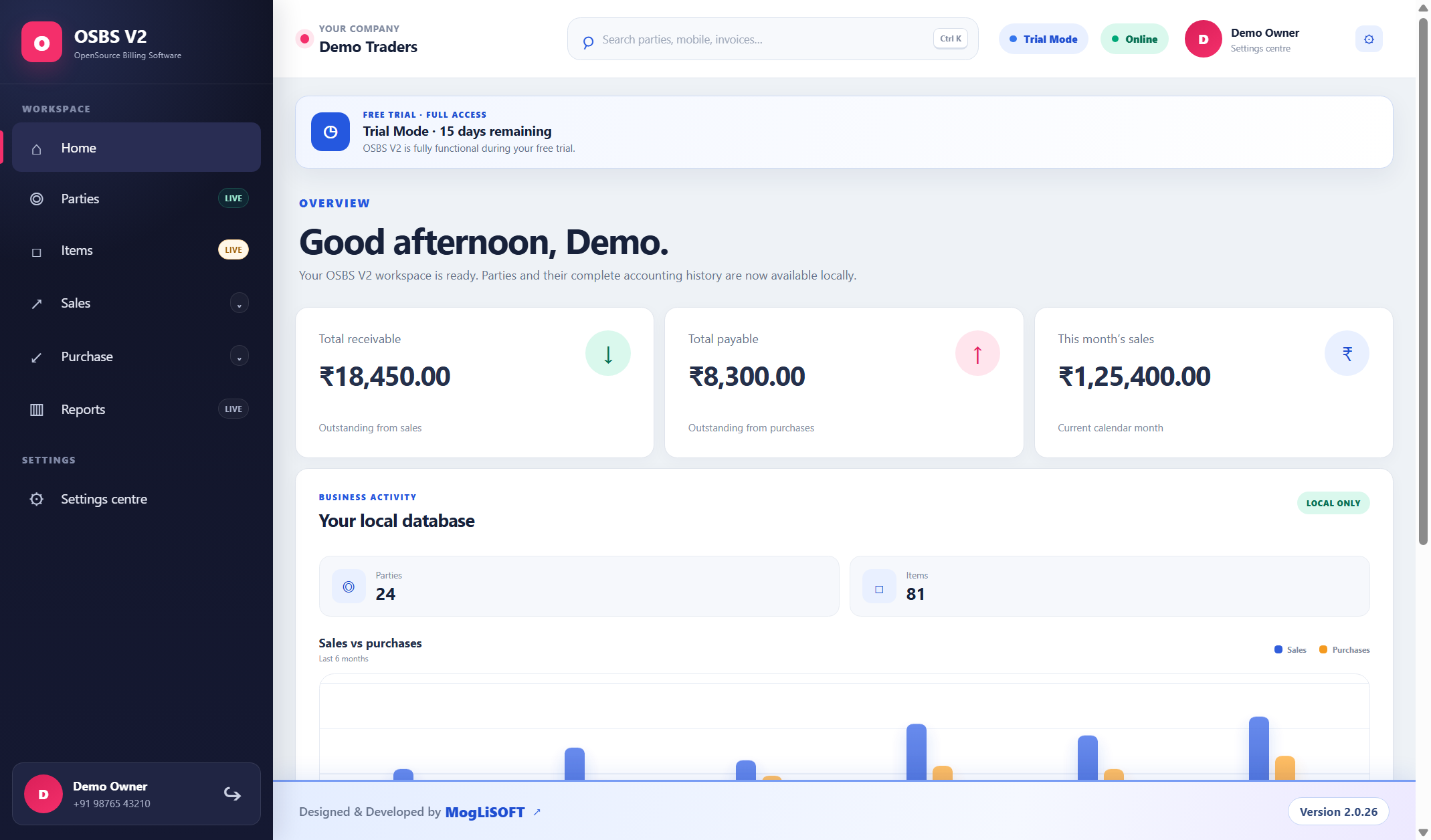
Your business at a glance, without switching between spreadsheets.
Sample records. Interface may vary by version.Made for everyday Indian business.
RetailersWholesalersDistributorsSmall businessesLESS ADMIN. MORE CONTROL.
Create a bill. Record a payment. Check a balance.
Keep the whole picture in one place.
Create GST invoices with your company logo, export PDFs and share invoice links through WhatsApp.
Keep customer and supplier ledgers together. See outstanding balances and payment history.
Turn everyday entries into useful business reports, ready to review or download as a PDF.
YOUR DESK. YOUR DATA.
Your business records are stored locally on your PC. Automatic local backups help you keep a recovery copy of your work.
Work from a dedicated desktop app, with your business tools close at hand.
Optional paid cloud-backup plans are available in the app. Online backup activation and cloud restores are managed by the administrator.
Add your company identity and choose from the available interface languages in Settings.
Internet is required for account verification, online sharing, updates and periodic licence checks. Keep independent backup copies.
YOUR FIRST BILL STARTS HERE
Download the installer on your Windows PC and follow the installation steps.
Open OSBS, select Sign Up and verify your email. Already registered? Log in with your mobile number and password.
Add your company, parties and items, then create your first invoice. Your trial status appears inside the app.
Eligible new accounts start with a free trial. View paid plans and optional backup pricing in Settings when you’re ready.
Yes. Download the Windows installer for free. Eligible new accounts receive a trial after signup and email verification. Check the app for your trial duration and expiry date. This is not a lifetime-free plan.
Your billing workspace is in the Windows app. Download and install OSBS, then sign up or log in there. The website’s Admin link is for the software administrator, not customer login.
This download is for 64-bit Windows PCs. Open this website on your Windows computer to install OSBS. It is not an Android, iPhone or Mac installer.
You can view the available paid plans in the app. When a trial expires, the app limits access to viewing existing records until a subscription is activated.
Your primary business database is on your PC. Account and licence information is handled online. Shared invoice PDFs and optional paid cloud backups also use server storage. Cloud backup is a separate, administrator-managed service.
Use the app’s update option or install the latest download over your existing OSBS installation. Keep a verified backup first; don’t uninstall or delete your local application data.
START FREE. SEE THE DIFFERENCE.
64-bit Windows · Free trial for eligible new accounts